Multi-brand KOT station throughput in cloud kitchens
· Updated · Slinai
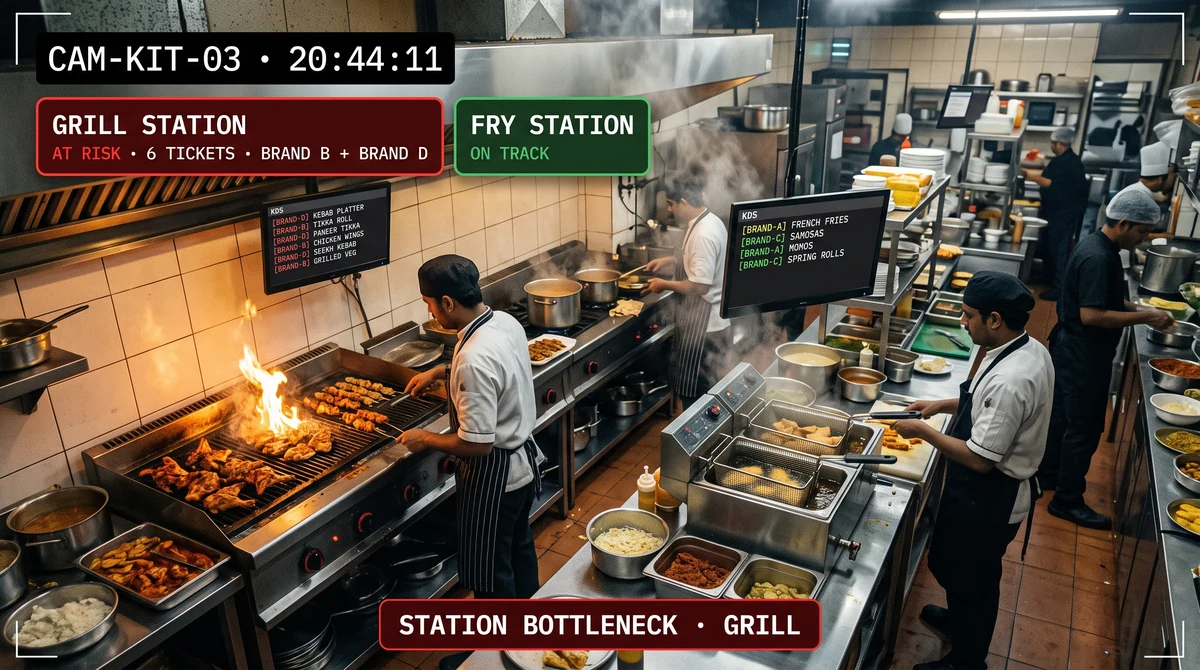
Key facts
| What it measures | Station dwell, ticket pile-up, and load imbalance across shared prep stations |
|---|---|
| What it does not measure | End-to-end bag SLA — that is the order-to-bag guide |
| Join | KOT station ID + camera polygon; brand comes from the ticket, not the bag |
| Action | Rebalance one station before every brand on the hub misses the promise |
| Hub | Cloud kitchen video analytics |
A shared fryer does not care which brand printed the ticket. When it stalls, every menu on the hub goes late.
Order-to-bag SLA answers “was the bag late?” This post answers “which station made it late?” Slinai reads station dwell on existing CCTV and joins KOT through data & integrations. The use case is operations & productivity. Hub: cloud kitchen video analytics.
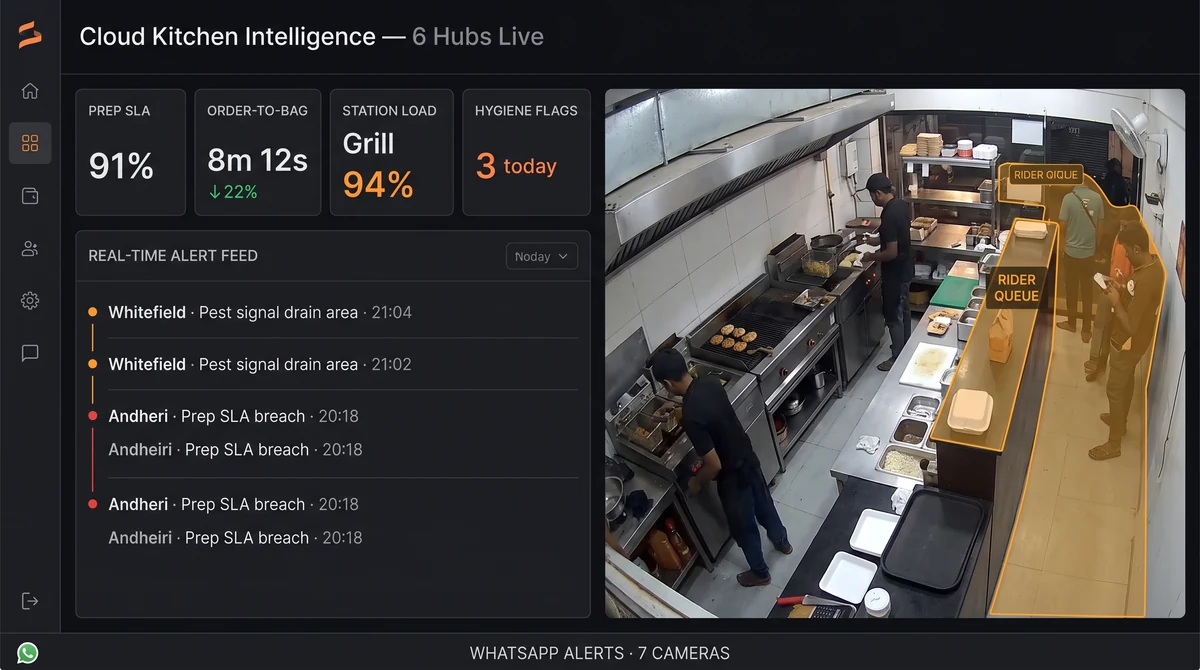
One station, many brands
| Signal | Meaning | Wrong conclusion |
|---|---|---|
| Dwell at one polygon | That station is the constraint | “Brand C cooks slowly” |
| Tickets waiting, hands idle | Coverage gap, not skill | Add a brand manager |
| Two brands, one fryer queue | Shared asset, not a recipe problem | Rewrite the menu |
| Bag table calm, station jammed | Delay is upstream of bag SLA | Blame dispatch |
Draw one polygon per physical station (fry, grill, assembly, beverage). Do not draw one polygon per brand. The brand is on the KOT.
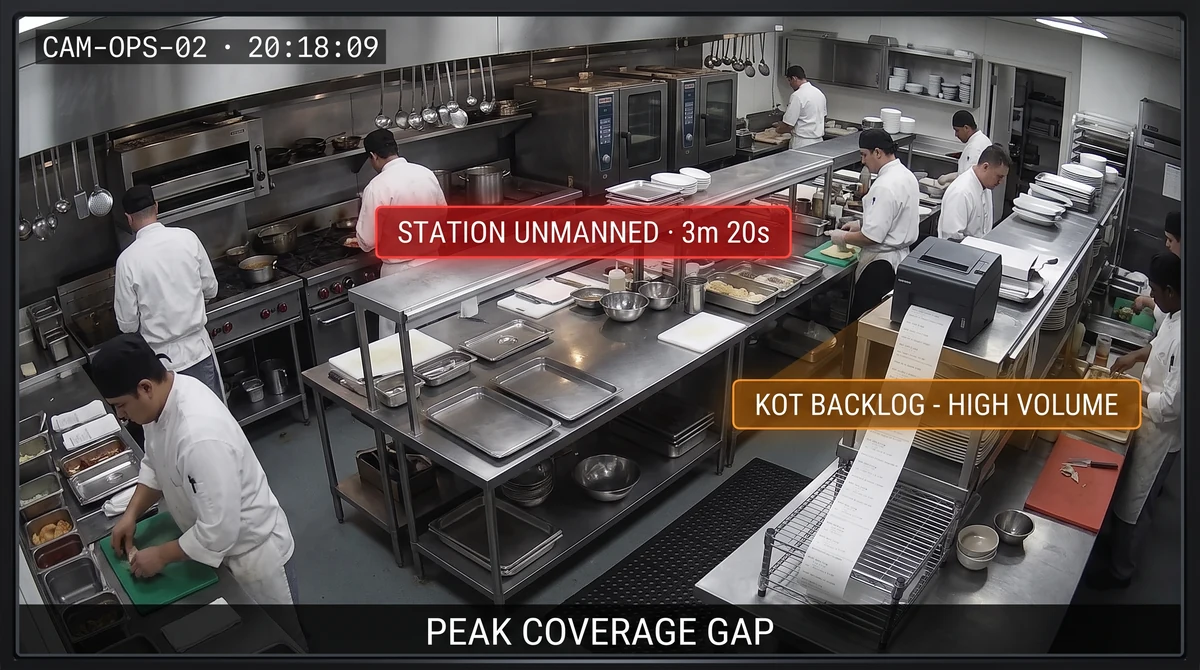
How to rebalance without a blame circle
- Alert the hub lead, not three brand WhatsApp groups.
- Name the station and the minute, with a clip.
- Pull a person from a calm station. Do not “coach the slow brand.”
- After the rush, compare station dwell to KOT volume. A station that is slow on 8 tickets and a station that is slow on 80 are different investments.
Agentic question that fits: “Which station was the bottleneck at dinner in Hub 4?” If the answer is a brand name with no clip, the zones are wrong.
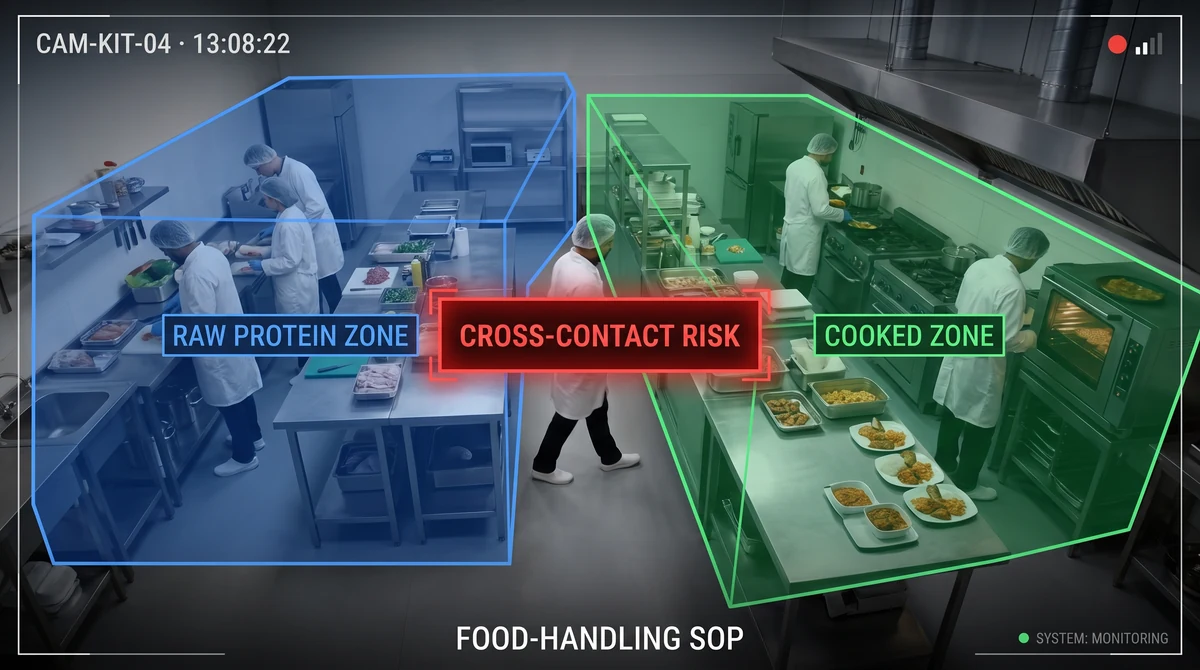
What this is not
- Not restaurant table turns or host queues. There is no dining room.
- Not QSR aggregator pickup. Pickup is the last metre; this is the line.
- Not a second copy of the industry page. The hub lists the module. This guide is how to draw stations so brands stop arguing.
Book a demo on the busiest shared station and last night’s KOT export for that station only.
Common questions
Is this the same as order-to-bag SLA?
No. Order-to-bag is the clock from ticket to bag-ready. Station throughput is which shared station is the bottleneck. A late bag with a calm grill is a different fix from a late bag with a fried-station queue.
Do we need one camera per brand?
No. Film the shared station, not the brand logo. One fryer serving three menus is one polygon. Brand split comes from KOT, not from packaging.
Can pixels name the ticket?
Not reliably. Join KOT timestamps via data integrations so the dwell spike is 'brand B, station 2, 19:10' rather than 'someone at the fryer'.
What if brands blame each other?
Publish station load, not a brand leaderboard, until the camera angle is honest. A blocked aisle looks like a slow brand.
Is this dine-in expo speed?
No. Dining pass-to-table lives on the restaurant hub. This is a delivery hub with no dining room.
Related pages
Guides in this cluster point to live product, industry and use-case pages.
Related guides
Cloud kitchen complaint forensics from KOT timestamps
Cloud kitchen complaint forensics ties a refunded order ID to the right prep-camera window using KOT and POS timestamps, not bag logos.
Cloud kitchen order-to-bag SLA on existing CCTV
Cloud kitchen order-to-bag SLA analytics times ticket-to-bag on existing prep cameras, joins POS/KOT timestamps, and alerts before delivery promises break.
Cold storage ingredient compliance in cloud kitchens
Cloud kitchen cold-storage analytics flags door-open dwell and ingredient pulls that sit in the warm aisle — process evidence beside a logger, not a replacement for it.